
Front-Desk Check-In Tablet & 6-Digit Pairing
Pair a lobby iPad or Android tablet with a 6-digit code so students can check in without exposing your admin account.
Open kiosk.budofy.com on a lobby tablet and pair it from your settings using a 6-digit code. The paired tablet can only check students into class and collect waiver signatures, keeping school billing and private notes off the lobby screen.
- Pair an iPad or Android tablet using a 6-digit code without typing your admin password on the lobby device
- Keep school revenue, billing settings, and private staff notes completely inaccessible from the check-in tablet
- Protect tablet exit controls with a staff PIN so the screen stays in check-in mode
See the platform and discuss access to a 14-day trial.
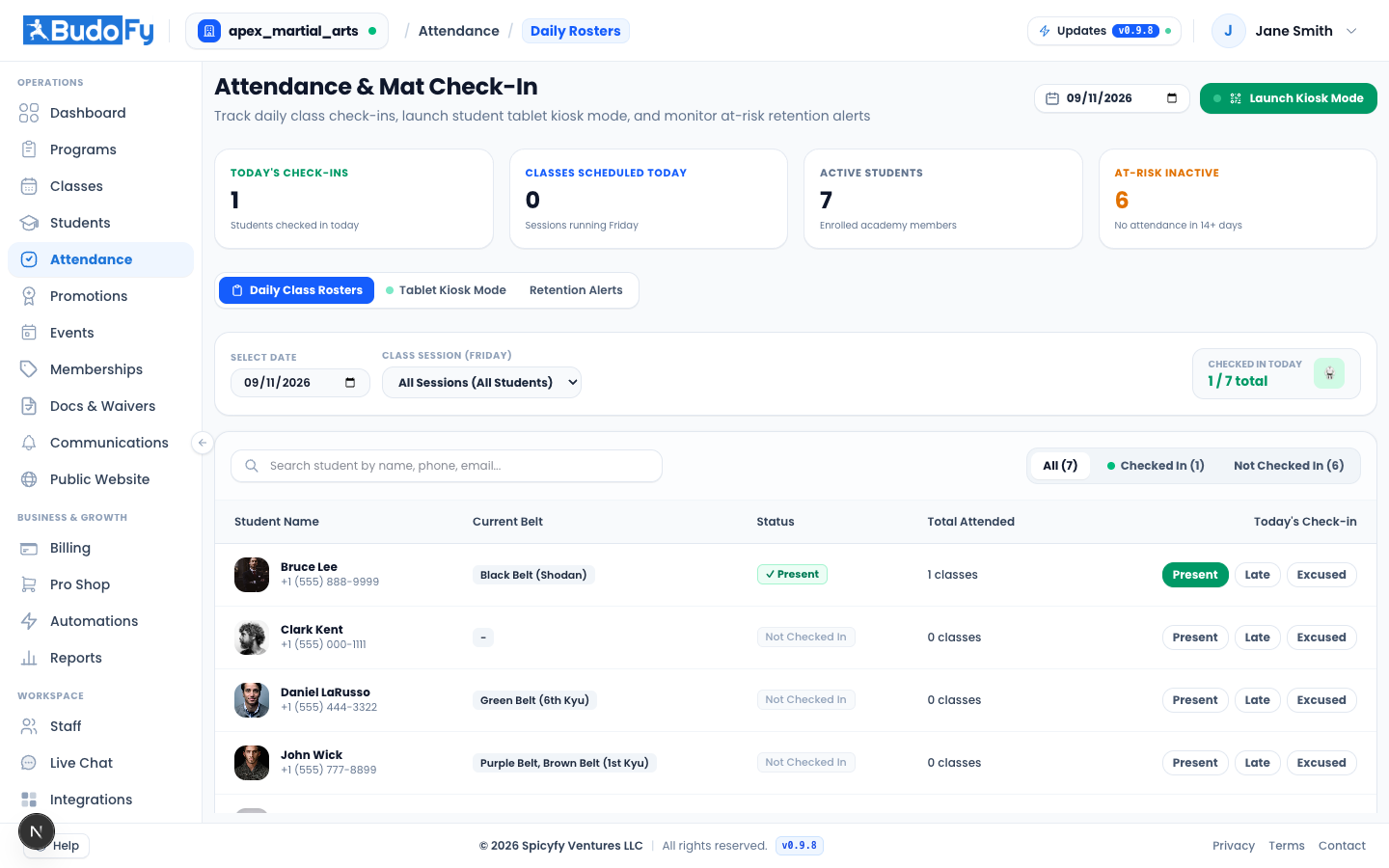
Pair a front-desk check-in tablet using a 6-digit code without signing in with your admin password.
What you can do with front-desk tablet mode
6-digit tablet pairing
Open kiosk.budofy.com on your lobby tablet, enter the 6-digit code in your admin settings, and name the device.
Check-in only permissions
The lobby device is limited strictly to class check-in and front-desk waiver signing.
Staff PIN lock
Require a 4-to-8 digit staff PIN to exit check-in mode so students cannot leave the check-in screen.
How front-desk tablet mode works day to day
Open kiosk.budofy.com on your front-desk tablet to display its 6-digit pairing code.
Approve and name the tablet from your admin settings.
Set a staff PIN and place the tablet at the entrance for daily student check-ins.
Useful questions about front-desk tablet mode
How does front-desk tablet mode help day to day?
Pair a lobby iPad or Android tablet with a 6-digit code so students can check in without exposing your admin account. Open kiosk.budofy.com on a lobby tablet and pair it from your settings using a 6-digit code. The paired tablet can only check students into class and collect waiver signatures, keeping school billing and private notes off the lobby screen.
Is this included in the $49 per active program monthly price?
Yes. Every active program is $49 per month with no per-student software fee, and includes student records, curriculum, attendance, scheduling, billing, and the student web portal.
How can we see this working for our school?
Book a 15-minute walkthrough with our team to see the platform configured for your programs and discuss access to a 14-day trial.
Related school tools
Attendance & Check-In
Keep attendance records connected to each student's history and progress, and spot members who stop showing up.
Digital Waivers
Collect electronic liability waivers by email or at check-in, and see at a glance which students still need a signature.
See how front-desk tablet mode works for your school
Walk through your programs, schedule, and student setup with our team in 15 minutes.
See the platform and discuss access to a 14-day trial.