
Staff Logins & Role Permissions
Give owners, head instructors, assistant coaches, and front-desk staff individual logins with access matched to their job.
Invite each team member with their own login and choose which areas of BudoFy they can view or edit, so coaches can manage classes and attendance without seeing school revenue or bank settings.
- Role permissions for school owners, administrators, instructors, assistant coaches, and front-desk staff
- Toggle view and edit access module by module for each staff role
- Email staff invitations so nobody shares a single master password
See the platform and discuss access to a 14-day trial.
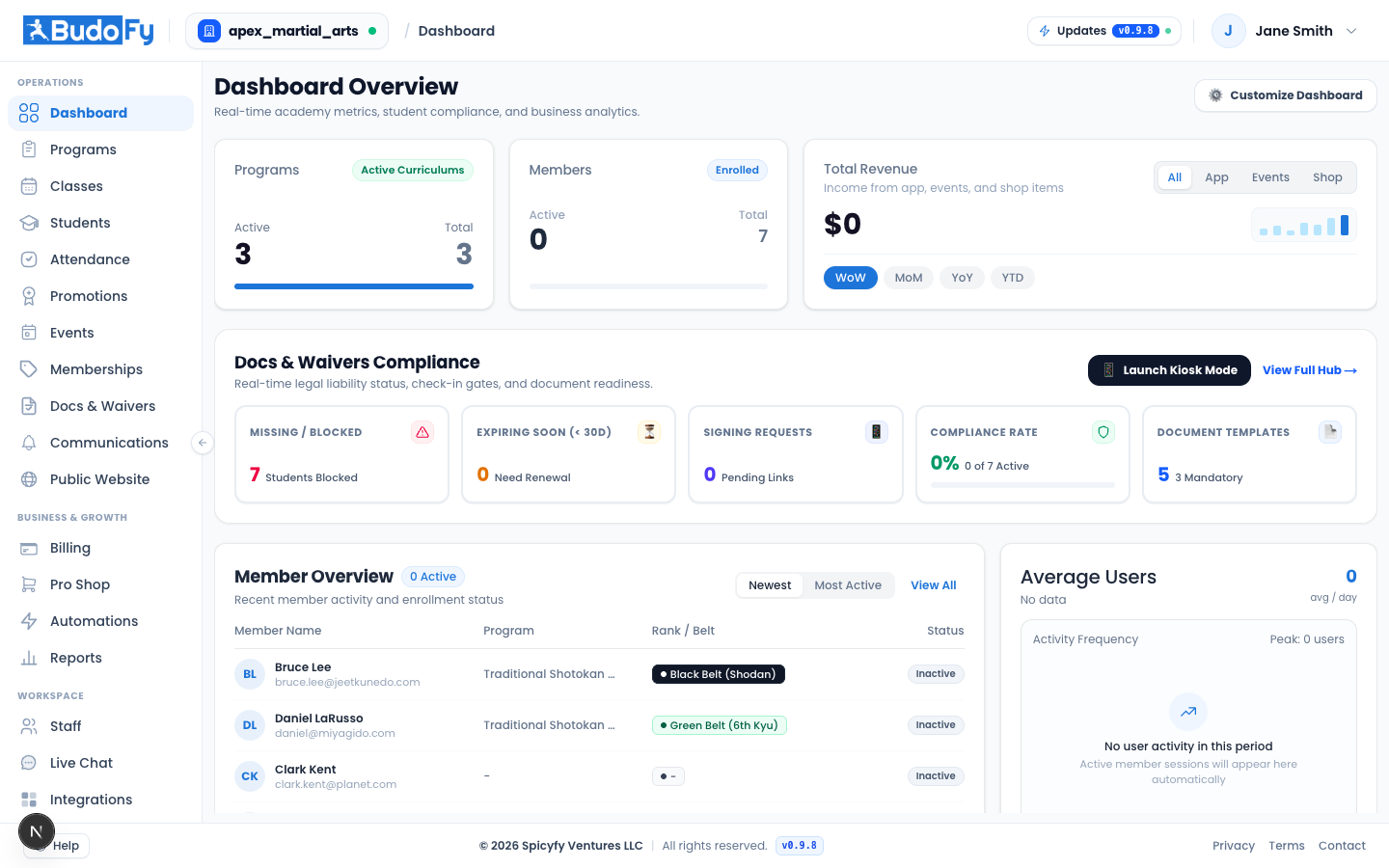
Give instructors and front-desk staff individual logins with access limited to their role.
What you can do with staff permissions
Clear role-by-role permissions
Control access across Programs, Students, Classes, Attendance, Promotions, Billing, Waivers, and Reports.
Keep financial settings private
Let instructors check rosters and sign off belt skills while keeping total revenue and Stripe payout settings owner-only.
Individual staff accounts
Give every coach and front-desk helper their own login and optional private lesson booking schedule.
How staff permissions works day to day
Open Staff in your admin sidebar and invite your instructor or front-desk team member by email.
Select their role and review which sections they can view or manage.
They sign in with their own credentials and see only the screens assigned to their role.
Useful questions about staff permissions
How does staff permissions help day to day?
Give owners, head instructors, assistant coaches, and front-desk staff individual logins with access matched to their job. Invite each team member with their own login and choose which areas of BudoFy they can view or edit, so coaches can manage classes and attendance without seeing school revenue or bank settings.
Is this included in the $49 per active program monthly price?
Yes. Every active program is $49 per month with no per-student software fee, and includes student records, curriculum, attendance, scheduling, billing, and the student web portal.
How can we see this working for our school?
Book a 15-minute walkthrough with our team to see the platform configured for your programs and discuss access to a 14-day trial.
Related school tools
Activity Logs & 2FA
Protect staff logins with two-factor authentication (2FA) and review a clear record of fee waivers, voided bills, and setting changes.
Guided Staff Tours
Help new front-desk staff learn each screen with step-by-step guided tours, and tidy up rough curriculum notes quickly.
Stripe & Integrations
Connect your school directly to your own Stripe account, pair Voiceyfy phone and chat tools, and export clean CSV spreadsheets anytime.
See how staff permissions works for your school
Walk through your programs, schedule, and student setup with our team in 15 minutes.
See the platform and discuss access to a 14-day trial.